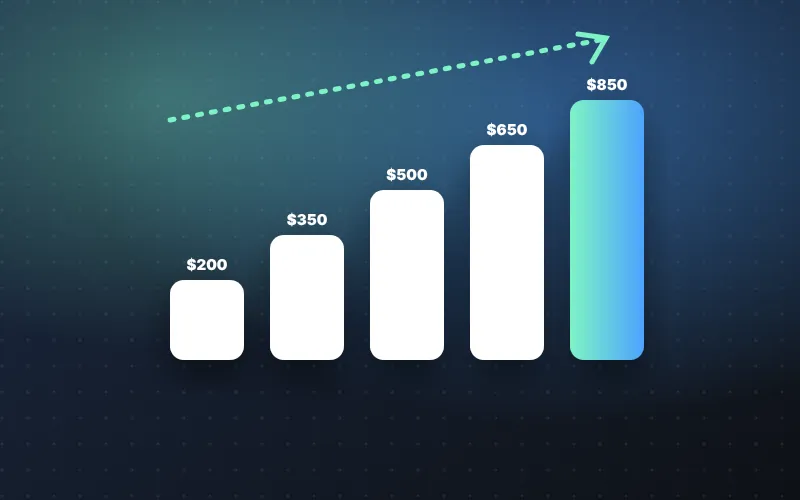
- Sezzle sets spending power automatically from your payment history and finances — there’s no button to request a higher limit.
- On-time and early payments from a linked bank account, with few open orders, are the habits that move limits most.
- Your shopping limit and your Sezzle Cash offer are separate, but the same reliable payment record supports both.
How Sezzle sets your limit
Your spending power in the Sezzle App reflects what Sezzle thinks you can repay comfortably. It considers your Sezzle payment history, credit information and overall financial picture, and it can rise or fall over time. There is no button to request an increase.
Spending limit vs. Sezzle Cash offer: what’s the difference?
People often mix these up, but the Sezzle app treats them as two separate numbers.
Because the two run on separate schedules, a high shopping limit can tempt you to stack obligations. If you have several orders open and take an advance, some weeks may carry two or three payments at once.
Learn how the advance itself works in our Sezzle Cash overview.
Read nextSezzle App overview→7 habits that help
- 1
Pay every installment on time the single biggest factor.
- 2Pay early when you can
Clearing orders early frees up spending power.
- 3
Link a bank account as your default method.
- 4
Keep fewer open orders at once.
- 5
Start small and gradually increase order sizes.
- 6
Keep your profile current income, address and contact details.
- 7
Consider Sezzle Up if you consistently pay on time.
“Accounts that pay two or three small orders early from a linked bank account tend to see limits move fastest. Big orders right after sign-up are the most likely to be declined.”
— Marcus Reyes, Senior Writer, Payments & Fintech AppsA step-by-step plan to grow your Sezzle limit
Habits work best when you follow them in order. Here’s a simple progression you can start today. Results vary by account, so treat it as a plan, not a promise.
- 1Get your profile right
Confirm your legal name, address and income are current, link your bank account and turn on every payment reminder.
- 2
Place one or two small orders for things already in your budget — household basics, a planned gift.
- 3
Pay them off early once your paycheck lands, instead of waiting for each due date.
- 4
Repeat for a while before trying a larger purchase. Consistency matters more than size.
- 5Step up gradually
Increase order sizes modestly and keep the number of open orders low.
- 6Review your options
If you are reliably on time, consider whether credit reporting or a plan like Pay in 5 suits your budget.
Skip shortcuts: opening a second account or entering inflated income can lead to declines or a closed account.
What hurts your limit
- Failed or late payments
- Frequent reschedules
- Many simultaneous orders
- Payment methods that are frequently declined
What to do if your limit suddenly drops
Limits can move down as well as up, and a lower number on screen can feel alarming. It usually has a clear cause.
- Check for a failed or late installment you may have missed.
- Make sure your default payment method hasn’t expired or been replaced.
- Count your open orders — paying one off can free up room.
- Confirm your profile details still match your bank records.
Then give it time. Sezzle reviews accounts on an ongoing basis, so a few weeks of clean, early payments is the most reliable fix. Avoid placing large orders right after a drop — a decline on top of a lower limit adds frustration without helping.
If you’re being turned down at checkout, our article on why Sezzle declines orders covers the most common reasons and fixes.
Signs you’re ready for a larger order
A higher limit is only useful if a bigger order actually fits your budget. Before you use more of your spending power, run through this quick check:
- Every installment over the last few months cleared on the first try.
- You could list your open orders and their next due dates from memory.
- The new order’s payments land on or after your paydays.
- After all Sezzle payments in a two-week stretch, you still cover rent, food and transportation comfortably.
- You have some cash set aside in case a paycheck arrives late.
If any box stays unchecked, keep your orders where they are for now. Growing your limit slowly — and using only part of it — is what keeps the Sezzle app working for you instead of the other way around.
Frequently asked questions
How often does Sezzle increase limits?
Sezzle reviews accounts on an ongoing basis; there is no fixed schedule.
Does a higher limit mean a bigger Sezzle Cash offer?
Not directly, but the same on-time history that raises spending power also supports SezzleCash eligibility.
- Sezzle Inc., “Sezzle Reports Second Quarter 2026 Results”, August 6, 2026.
- Sezzle – Shop, Save, Earn, Apple App Store listing, accessed October 2026.
- NerdWallet, Sezzle review: fees, plans and credit reporting, accessed October 2026.
- Consumer Financial Protection Bureau, resources on buy now, pay later and earned-wage/cash advance products.